ethansunray
Member
- Messages
- 30
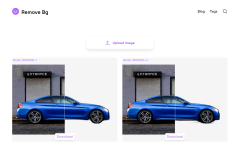
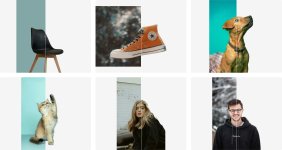
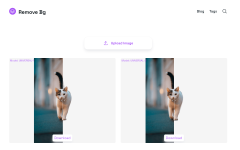
Remove Bg is a 100% free AI image cutout tool that supports removing backgrounds from images of people, products, animals, cars, and logos.
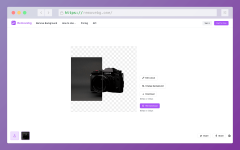
2. Wait for the Background Removal Result: After selecting an image, the site will use the UNIVERSAL-1 and UNIVERSAL-2 models to complete the background removal online, with no complex operations or expert knowledge required.
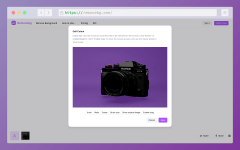
3. Save the Background Removal Result: After the background removal is complete, you can click the "Download" button to save the cutout photo to your computer.
Product Features and Advantages
### Dual Model Operation for Cutouts
Each time a cutout is performed, two different models are used simultaneously. This allows for the selection of the best result for download after the cutout is completed.### High-Quality Output
Maintains the integrity and quality of the foreground subject, producing professional-level results, **with support for free original image downloads**.### Supports Multiple Formats
Compatible with popular image formats including JPG and PNG.## Application Scenarios
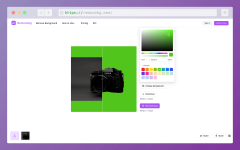
Remove Bg is suitable for a variety of use cases:- Product photography: Ideal for e-commerce, allowing sellers to showcase their products against a clean, distraction-free background.
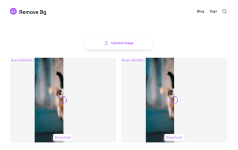
- Portrait photos: Enhances portrait photos by separating the subject from cluttered or unwanted backgrounds.
- Design projects: Assists in creating composite images, marketing materials, and other design elements.
- Social media content: Perfect for creating engaging posts, profile pictures, and other visual content for social media.
## User Guide
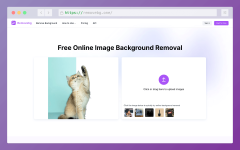
1. Upload an Image: Open Remove Bg in your browser and click the "Upload Image" button, then select the image you want to cut out.2. Wait for the Background Removal Result: After selecting an image, the site will use the UNIVERSAL-1 and UNIVERSAL-2 models to complete the background removal online, with no complex operations or expert knowledge required.
3. Save the Background Removal Result: After the background removal is complete, you can click the "Download" button to save the cutout photo to your computer.